How to set up a new Django project
This post is a continuation of the django multi-tenancy series. In this part, we’ll begin to implement the backend of the multitenant Django app. We’ll be setting up a Django project from scratch.
The project source code up until this point is available on the github setup branch.
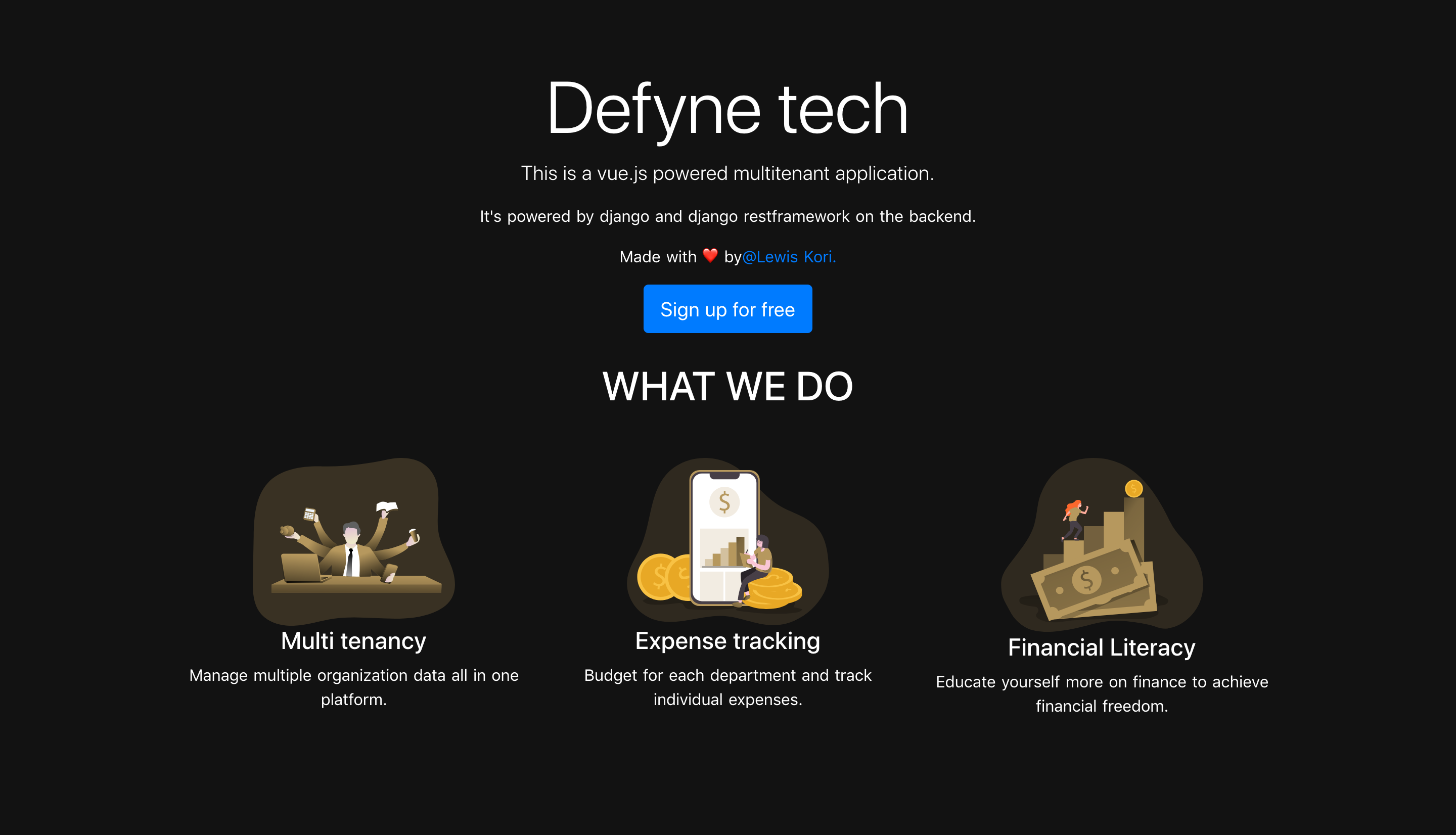
The project’s final outcome can be explored using this live demo.
Installing project dependencies
For this project, we’ll need to have python 3+ installed. You can find the necessary steps in this digital ocean post. Next, we’ll need to make virtual environments for installing project dependencies.
Install virtualenv
pip install virtualenv
Create a new virtualenv
virtualenv yourenvname -p python3.8
Activate virtual environment
source yourenvname/bin/activate
Run this command within the directory the virtual environment was created in.
Once your virtual environment is activated, there’s a number of dependencies we’ll be needing for the project:
- Django and the djangorestframework: for an extensive introduction on how to use these libraries, check out my previous post on building web apis with django.
- Djoser: REST implementation of Django authentication system. The Djoser library provides a set of Django Rest Framework views and endpoints to handle basic actions such as registration, login, logout, password reset, and account activation
- django-rest-framework-simplejwt: provides a JSON Web Token authentication backend for the Django REST Framework.
My previous post on setting up Django APIs with JWT authentication should get you started on what JWTs are and how to implement them in Django. 😃
- python-decouple: Decouple helps you to organize your settings so that you can change parameters without having to redeploy your app. These settings can be stored in parameters in ini or .env files. The library also allows the definition of comprehensive default values. Case in point;
from decouple import config
SECRET_KEY = config('SECRET_KEY')DEBUG=config('DEBUG', cast=bool, default=False)
The repository has a requirements.txt and you can mass install all the dependencies by running pip install -r requirements.txt
Curious on some of the popular dependencies I use with Django? This post has some handy tools and resources for python programmers.
To kick off the new Django project, run the following once you’ve activated the previously created virtual environment.
django-admin startproject budgeting
Now to start with the first app that we’ll require for the next section:
cd budgetingpython manage.py startapp usersusers will be our first app for this project and we’ll put all the authentication logic here.
Next up, we’ll cover user authentication in a multi-tenant app powered by django.🤠
open to collaboration
I recently made a collaborations page on my website. Have an interesting project in mind or want to fill a part-time role? You can now book a session with me directly from my site.
More from this series
Continue reading the Intro to multi-tenant apps with django series
Smarter Apps with PostHog: Feature Flags & Analytics
Learn how to integrate PostHog into a production Django application. This tutorial covers setting up a robust singleton client, identifying users and groups via middleware, and implementing robust, plan-based feature flags for a multi-tenant SaaS.
User authentication with JWTS in a Django and vue.js multi-tenant app
How to connect a django backend to a vue.js frontend and authenticate with JSON Web Tokens

Introduction to multi-tenant apps with django
An introduction to building multi-tenant applications with Django and vue.js